July 18, 20262 min readLaunchZone
How to Launch on LaunchZone: A Practical Checklist for Makers
A no-fluff, step-by-step guide to launching your product on LaunchZone and actually getting traction from it.
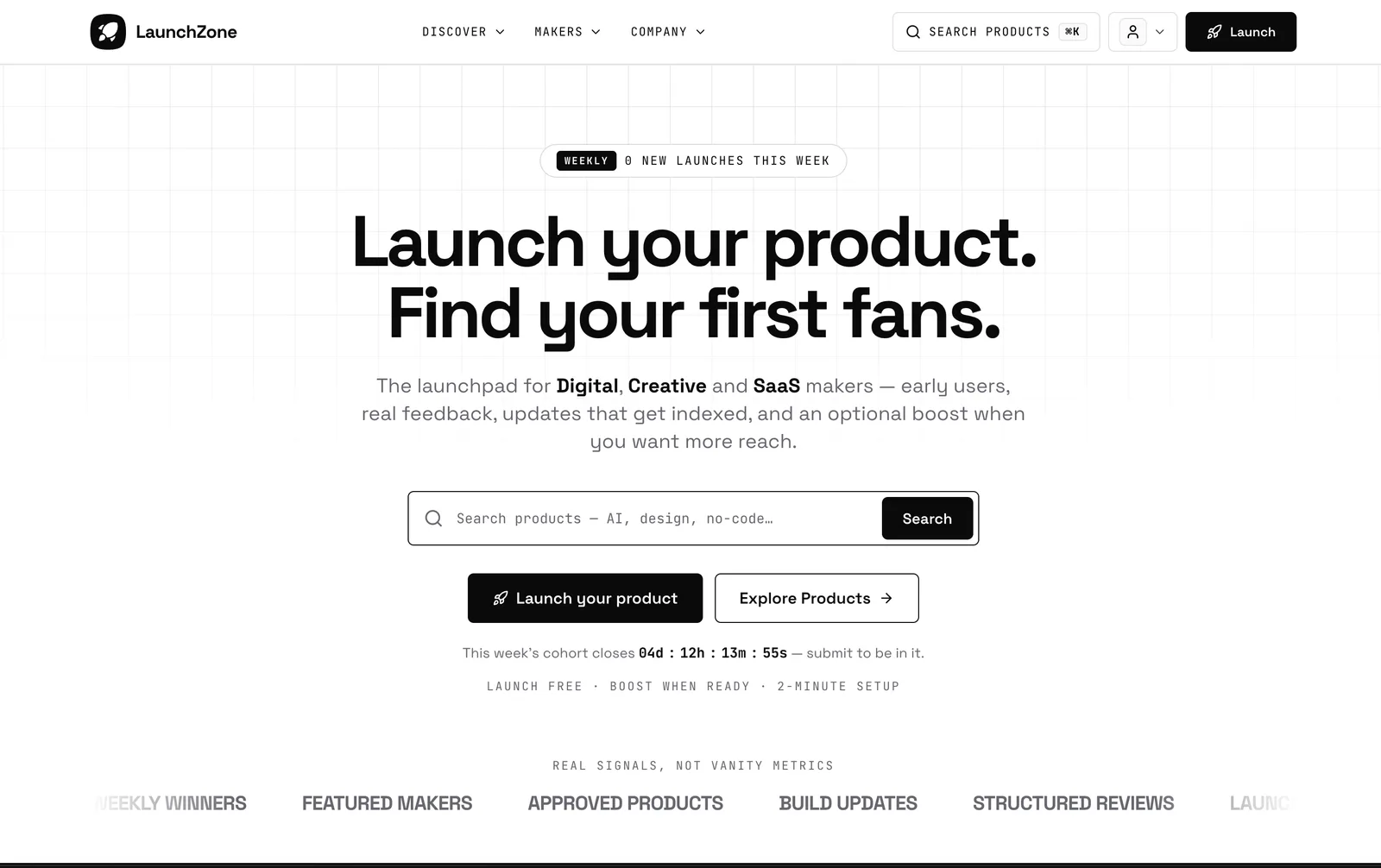
Launching on LaunchZone isn't about going viral for a day — it's about putting your product in front of makers and early adopters, then compounding that attention into upvotes, backlinks, and real users. Here's how to run a launch that actually moves the needle.
Before you launch
A great launch is 80% preparation. Get these right before you submit:
Nail your tagline. One sentence, no jargon. Someone should understand what you do and who it's for in three seconds.
Write a real "About" section. Explain the problem, your solution, and who benefits. Skip the marketing fluff — makers can smell it.
Add screenshots that sell. Show the product in action, not a hero image. The first screenshot is the one people judge you on.
Pick 2–5 accurate tags. Tags are how people discover you after launch day. Choose the ones your actual audience browses.
Set your link up to earn
Your LaunchZone listing links back to your site — and those links matter for SEO. Make sure your product page is live, fast, and clearly matches what your listing promises. A polished landing page turns a curious visitor into a signup.
Submitting your product
Submitting is free. Walk through the form in one sitting so your listing feels cohesive: name, tagline, description, logo, screenshots, category, and tags. Double-check the details — you can edit later, but a clean first impression counts on launch day.
Launch when you're ready to talk about it, not when the product is "perfect." Momentum beats polish.
Launch day
Once you're live, the goal is to concentrate attention into a short window:
Be present. Reply to every comment and question quickly. Engagement signals that a real person is behind the product.
Rally your network first. Message the people who already believe in you — early upvotes create the social proof that pulls in strangers.
Share where your audience already is. Post the link to your community, newsletter, and socials. Tell people why you built it, not just that you launched.
Ask for feedback, not just upvotes. A thoughtful comment thread is worth more than a silent vote count.
After the launch
The listing keeps working long after launch day. Treat it as a living page:
Post build-log updates. Shipping new features keeps your listing fresh and gives people a reason to come back.
Respond to reviews. Every reply is a chance to show you're actively supporting the product.
Keep your links current. If your site or pricing changes, update the listing so visitors never hit a dead end.
Make it a habit, not an event
The makers who grow fastest treat LaunchZone as an ongoing channel — not a one-time post. Launch, learn from the feedback, ship an update, and share it again. Do that consistently and your product keeps showing up where the right people are looking.
Ready? Submit your product free and start building in public.
Get your product in front of makers
A free launch takes a few minutes — listing, category page and a backlink included.
Explore the catalog
Products in this topic
Browse live products tagged with the topics this article covers.
Next reading
Related resources
- Why a Dofollow LaunchZone Listing Link Matters for Your SEOA dofollow backlink from your LaunchZone listing passes real authority to your site, unlike nofollow directory links that do little for rankings.
- Build in Public: A 90-Day Playbook for After You LaunchLaunch day is one data point. What compounds — users, feedback, trust, search visibility — happens in the 90 days after, if you keep showing your work. Here's what to actually post, week by week.
- How to Choose a Launch Platform: A Practical ChecklistDozens of places promise "backlink + upvotes" for your startup. Here's what's actually worth checking before you fill out another submission form.